Virtual Piano Duet
Play along with a piano performance. Save, replay and import melodies in the V2 notebook. / 跟随钢琴演奏即兴合奏,在V2旋律笔记本中保存、回放和导入乐句。
Open Virtual Piano Duet / 打开虚拟钢琴二重奏 ↗17–18 OCTOBER 2026 · WEEKEND WALKTHROUGH
Try a prepared musical activity first. Then open up choices and creation when your class is ready. / 先体验准备好的音乐活动,再根据课堂需要逐步开放选择与创作。
Start with a five-minute activity. No long questionnaire is required. / 从五分钟活动开始,无需先填写长问卷。
1. Free Play → 2. View curriculum and try Rengongfu pilot tools → 3. Reflect together. / 1. 自由探索 → 2. 看教材、体验人功夫试点工具 → 3. 共同反思。
TEACHING FIRST / 从教学出发
Public guest tools. For your signed-in session, use the teacher workspace above. / 以下为公共体验入口。已登录会话请使用上方教师工作区。
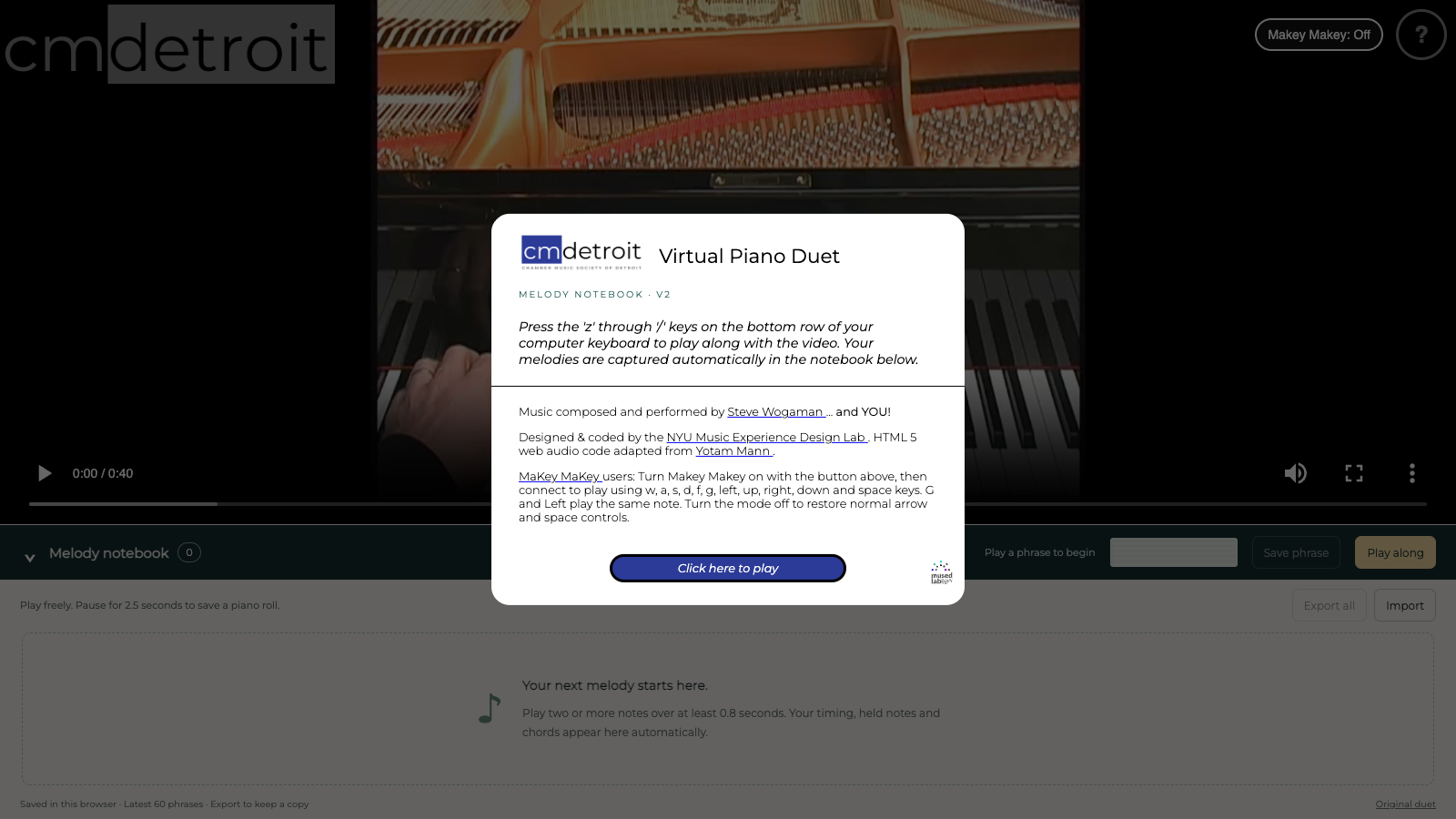
Play along with a piano performance. Save, replay and import melodies in the V2 notebook. / 跟随钢琴演奏即兴合奏,在V2旋律笔记本中保存、回放和导入乐句。
Open Virtual Piano Duet / 打开虚拟钢琴二重奏 ↗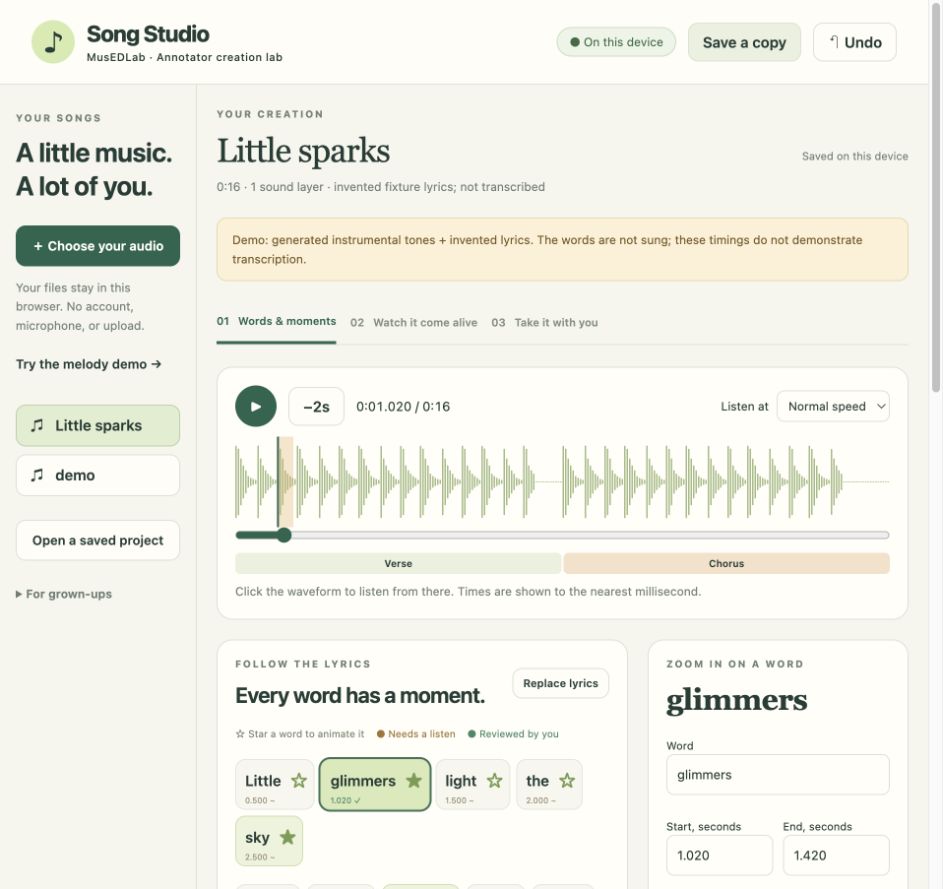
Shape words, timing and visual ideas around your audio. / 围绕音频组织歌词、时间和视觉创意。
Open Song Studio / 打开Song Studio ↗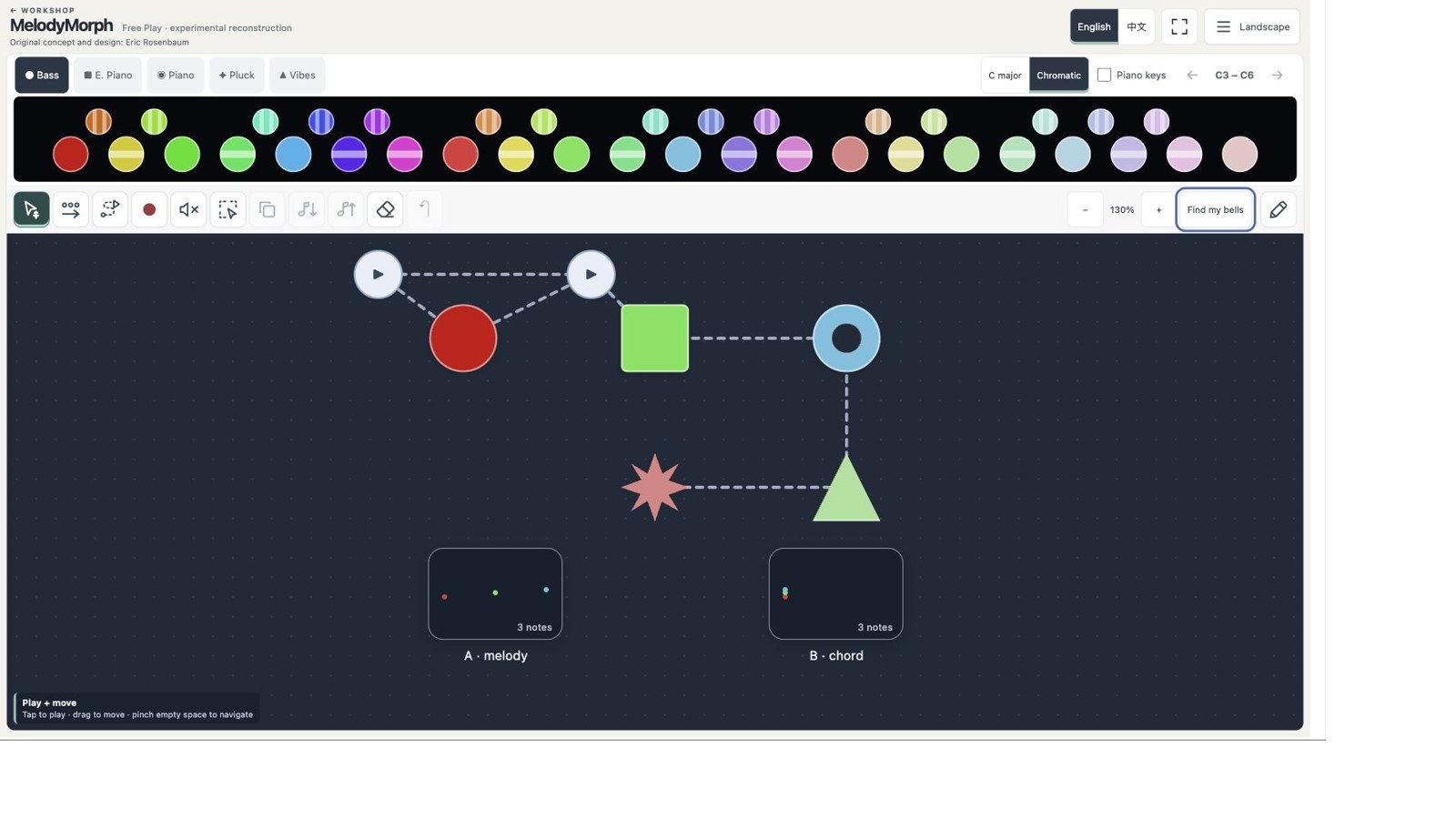
Arrange bells, draw playable paths and record phrases. / 摆放音乐铃,绘制播放路径,录制乐句。
Open MelodyMorph / 打开MelodyMorph ↗Experimental reconstruction; original concept and design by Eric Rosenbaum. / 实验性重建;原始概念与设计:Eric Rosenbaum。
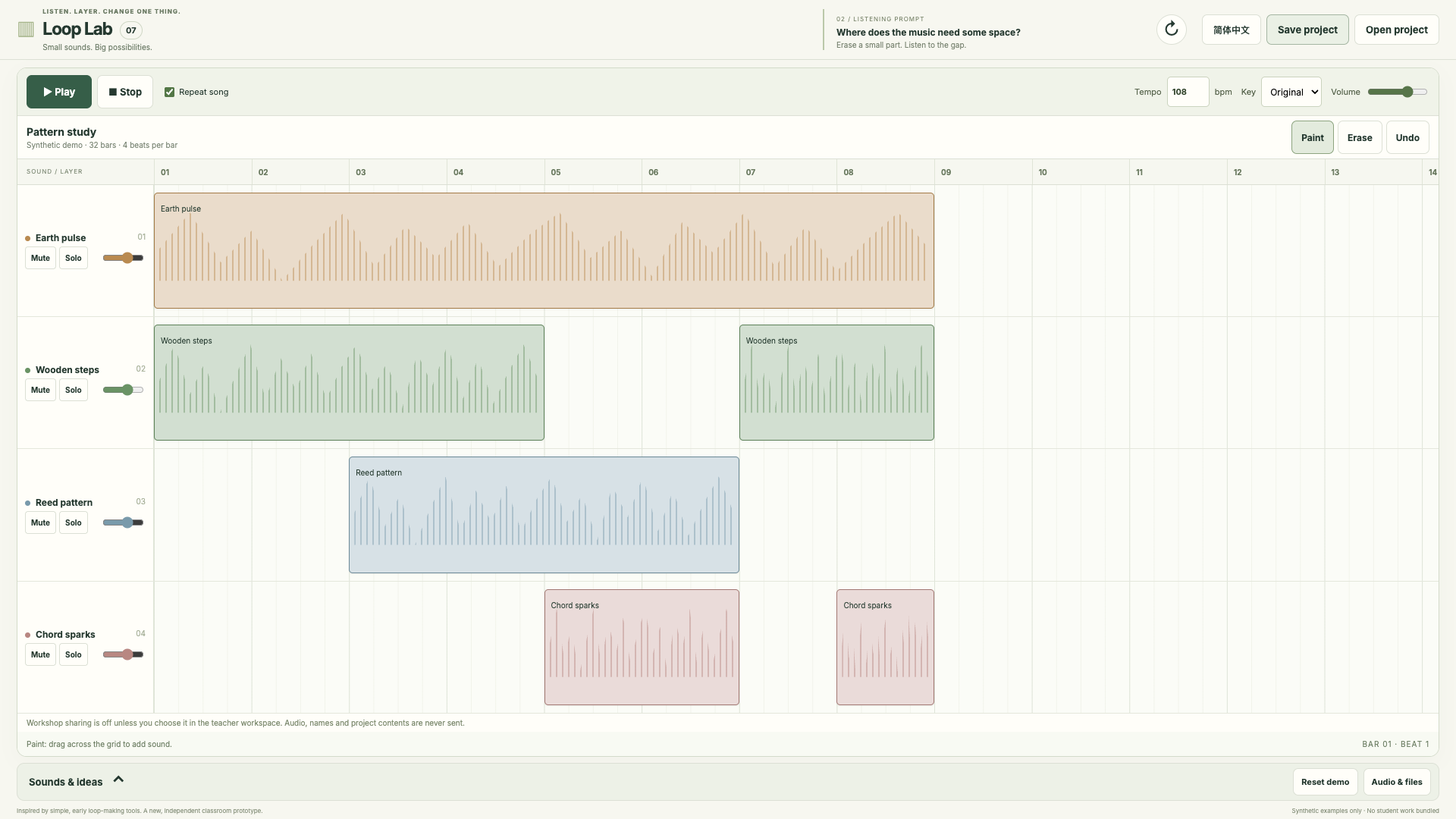
Build repeating layers. Change one part and listen again. / 叠加循环声部,改变一处,再听一遍。
Open Loop Lab / 打开Loop Lab ↗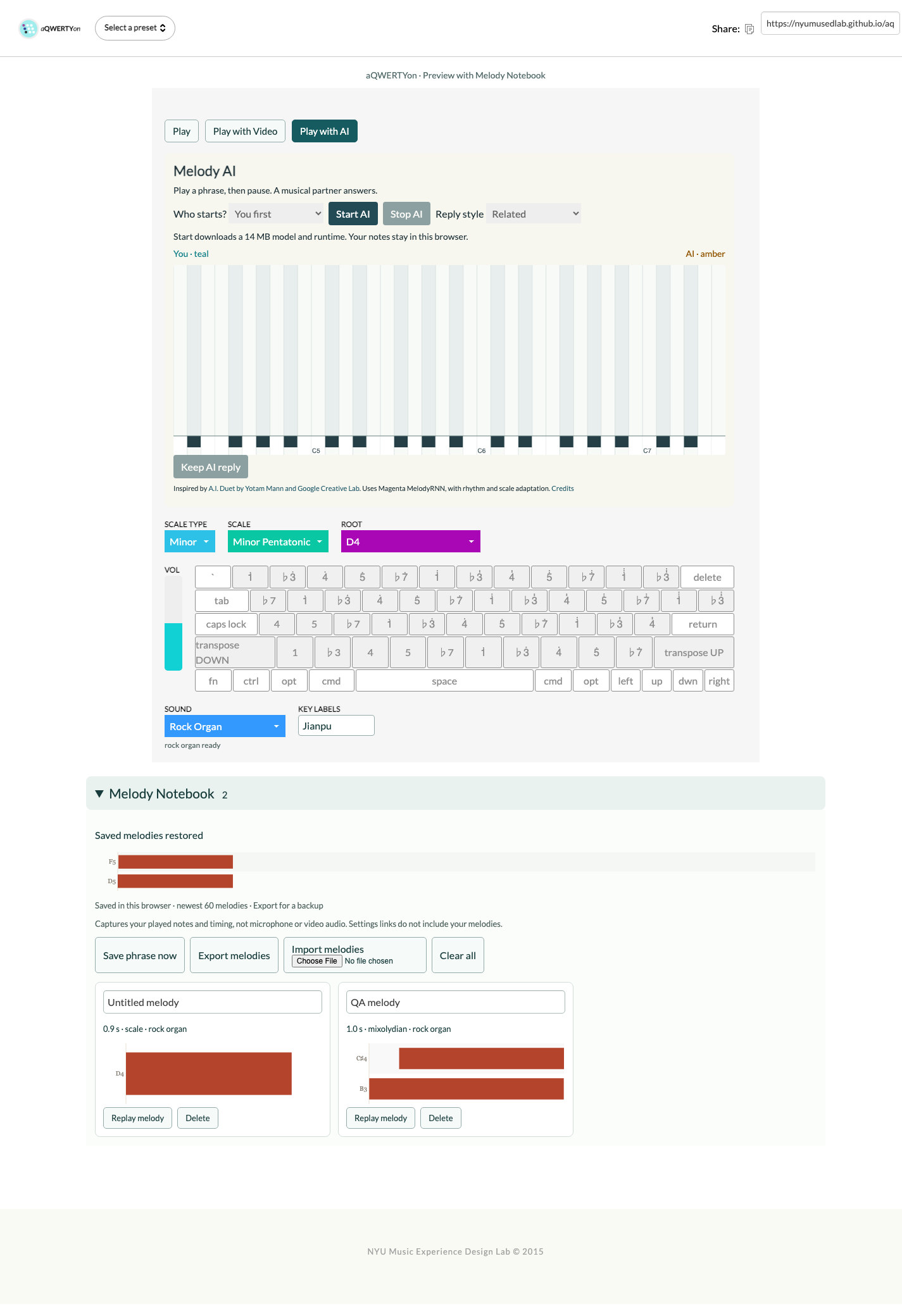
Play a phrase and revisit it in Melody Notebook. / 演奏短句,在旋律笔记本中再次回听。
Open aQWERTYon / 打开aQWERTYon ↗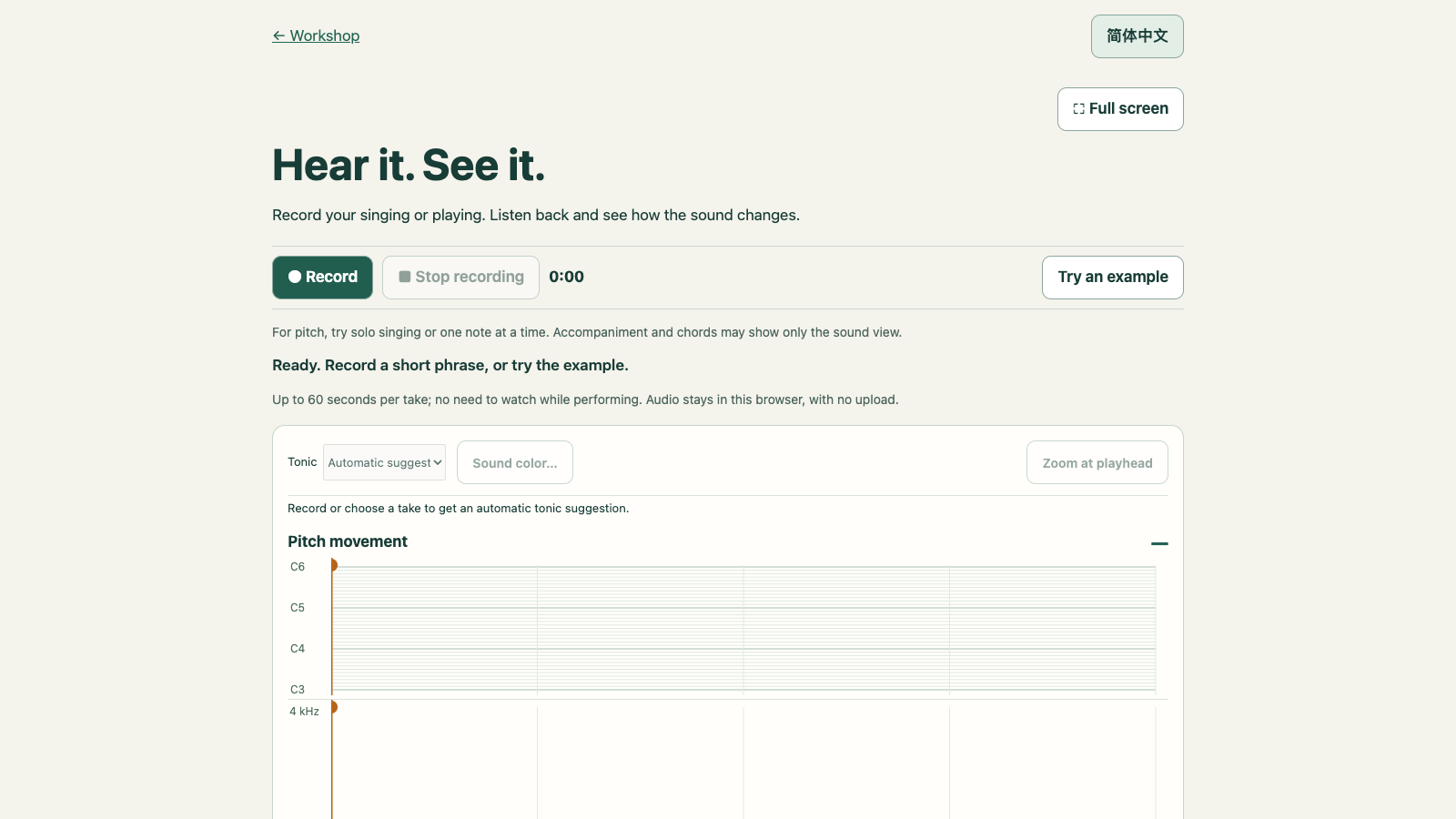
Record singing or an instrument, then listen back with linked pitch and sound views. / 录下歌声或乐器演奏,跟随联动的音高与声音图回听。
Open Performance Mirror / 打开听见·看见 ↗Guest tabs do not send workshop steps. Recordings and projects stay with the tool until you deliberately export them. / 公共体验标签页不会发送工作坊操作步骤。录音与作品保留在工具中,需主动导出。
EXPERIENCE TOOLS / 体验工具
Improvise with Steve Wogaman’s recorded piano performance, then hear and see your own melodic contour. / 与 Steve Wogaman 的钢琴演奏视频即兴合奏,再聆听并观察自己的旋律线条。
Open the duet demo / 打开合奏演示 ↗Opens in a new tab. Melodies stay in that browser; Export all keeps a JSON copy. These demo melodies are not sent to the workshop dashboard. / 在新标签页打开,旋律保存在该浏览器中;Export all 可导出 JSON 副本。这些演示旋律不会发送到工作坊后台。
Record singing or an instrument through the microphone. See pitch movement and sound/pauses as you play, then listen back with a linked cursor. / 用麦克风录下歌声或乐器演奏。演奏时显示音高与声音变化,之后跟着播放光标一起回听。
Open Performance Mirror / 打开听见·看见 ↗Keep attention on performing; explore the visual record afterward with your teacher. Pitch estimates work best with one note at a time. No tuning scores or automatic judgments. / 演奏时专注于音乐,之后和老师一起观察、回听。单音旋律的音高估计较可靠。没有音准评分或自动判断。
Audio stays in this browser. Download a recording package and send it through your class’s usual channel; the teacher imports it to review. Nothing is submitted automatically to the dashboard. Earlier recordings and the note/lyric editor remain available. / 录音仅存此浏览器。下载录音文件,通过课堂使用的方式发送给老师;老师导入后回看。不会自动提交到后台。原来的录音与音符/歌词编辑器仍可使用。
RENGONGFU PILOT TOOLS / 人功夫试点工具
View the student textbook pages and describe your usual teaching before trying a pilot activity. / 先看学生教材,记录平时的教学方法,再体验试点活动。
USE YOUR EXISTING LESSON / 结合已有课程
《放牛山歌》: echo a teacher-modeled phrase, keep the two-beat pulse and try an expressive change. / 《放牛山歌》:模唱教师示范的乐句,保持二拍子的律动,尝试表现变化。
View Grade 3 song and responses / 查看三年级歌曲与回应《化装舞会》: describe melodic movement. 《哈巴涅拉》: listen for the accompaniment rhythm. Separate goals, separate tasks. / 《化装舞会》关注旋律走向,《哈巴涅拉》关注伴奏节奏;分别对应不同目标。
View Habanera student pages and responses / 查看《哈巴涅拉》学生教材与回应View the supplied curriculum pages on each song page. Use a live teacher model or your approved classroom recording for listening. / 各歌曲页面提供已获准展示的教材图片;聆听时请使用教师现场示范或已获准使用的课堂录音。
START HERE / 从这里开始
Listen, play, compare and edit. Choose the tool that fits your teaching goal. / 聆听、演奏、比较、修改,选择符合教学目标的工具。
OPTIONAL TEACHER REFLECTION / 可选教师反思
Name one learning goal, decide what you will listen for, then choose an activity. Add tools only where they help. / 写一个学习目标,想好要听到或看到什么表现,再选择活动;按需要加入工具。
Drafts stay on this device. / 草稿保留在本机。
You can keep an earlier version for comparison. Your current plan always remains editable. / 可保留早期版本进行比较,当前方案始终可以修改。
TEACHER PREPARATION / 教师备课
Bring the lesson content to the workshop using your agreed private channel. This page keeps a preparation checklist; it does not upload or publish your files.
We can then choose a short excerpt, match the teaching goal to an activity, and replace the contour study’s clearly marked synthetic fixture after musical verification.
A prepared activity is a valid outcome. More student control is an option, not a requirement. / 完成预设活动也是有效成果。更多自主选择是选项,不是要求。
Bring authorized lesson material to the workshop and judge the musical and educational fit together.
AFTER HANDS-ON TIME · 10 MINUTES
If you kept a comparison copy, compare it with your current plan. Change the goal, evidence or activity wherever needed. Edits save automatically. / 如果保留了比较副本,可与当前方案对照。按需要修改目标、学习表现或活动,更改会自动保存。
This comparison captures perceived fit and shifts in intentions. Increased enthusiasm for AI is not a success score. Learning outcomes require separate follow-up.
Clear the opening map, closing revision and drafts from this browser? Export first if you want to keep them.
Drafts are backed up here. When connected, changes also save online.
LEAVE WITH A DECISION
Notes stay in this browser. Save a JSON copy before changing devices.
YOUR WORKSHOP / 你的工作坊
Enrolled teachers use their phone and personal password. No workshop code is needed. Your account, access status and optional sharing choices stay in the teacher workspace. / 已登记教师使用手机号和个人密码登录,无需工作坊代码。账号、访问状态与可选分享设置保留在教师工作区。
Teacher sign-in / 教师登录Public tools below also work without sign-in. Phone sign-in does not enable the separate legacy draft/music collection service. / 下方公共工具也可不登录使用。手机号登录不会开启独立的旧版草稿与音乐作品收集服务。